
The site for writers of all genre, and the readers who love them. Find what you want to know.
Online Safety
Keeping kids and teens safe online involves open communication, setting clear rules, using parental controls, teaching privacy habits (like strong passwords & not oversharing), and monitoring their activities by keeping devices in common areas, focusing on strong passwords, limiting sharing of personal info/location, and teaching them to avoid strangers and report problems to a trusted adult.
Communication & Rules
- Talk Regularly: Discuss digital lives, favorite apps, and online challenges openly.
- Create a Plan: Develop a family online safety plan with clear rules and expectations.
- Be a Role Model: Show them responsible online behavior.
- Teach Red Flags: Help them spot scams, inappropriate requests, and cyberbullying.
- Encourage Reporting: Make it safe for them to tell you if something feels wrong.
- Email Images: Turn off automatic downloading of images. Images can contain porm and viruses.
- Links: NEVER click on a link in an email, unless you know the person who sent it. Also for banking and credit information links ALWAYS login in the way you normally would…NEVER click on a link in an email.
- Documents: NEVER click an link to a document download unless you have spoken to the person sending to you… especially “edocs” stating your investment, banking credit… etc., had been upgraded or similar.
Privacy & Security Settings
- Strong Passwords: Use complex passwords with letters, numbers, and symbols; don’t share them.
- Privacy Settings: Adjust settings on apps (games, social media) to control who sees information.
- Limit Sharing: Teach them never to share full name, address, school, phone, or location publicly.
- Disable Location: Turn off location tracking for apps that don’t need it.
Safe Practices & Behavior
- Think Before Posting: What goes online can be permanent; be mindful.
- Avoid Strangers: Don’t engage with or share info with people they don’t know offline.
- Be Kind: Treat others online as you would in person.
- Beware Downloads: Talk to an adult before opening attachments or downloading files.
- Secure Wi-Fi: Avoid unsecured public Wi-Fi for sensitive activities.
For Younger Kids
- Co-view: Play and explore digital activities with them to teach good habits.
- Use Kid-Friendly Tools: Stick to child-focused platforms when possible.
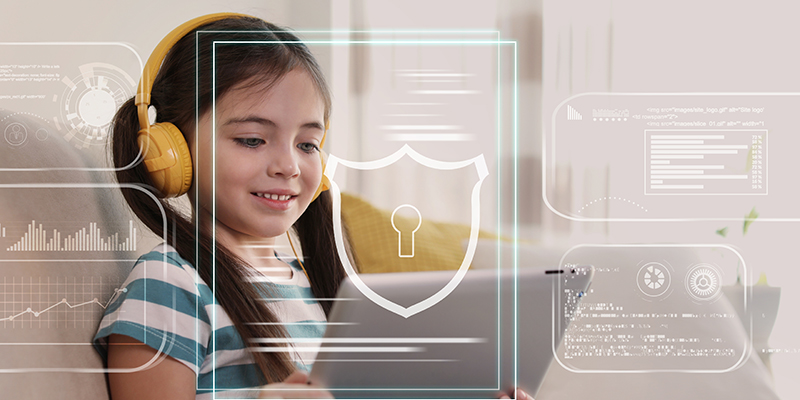
Online Safety for Kids and Teens
The Internet is a lot like the Cave of Wonders, filled with both treasures and danger. If you know how to walk through it, you will get access to unmeasurable knowledge and connection, but if you approach it without caution, it can turn into a nightmare.
For this reason, it is every parent’s responsibility to train kids on internet safety from an early age.
If Your Data Is Compromised
A data breach occurs when someone gains unauthorized access to your personal data. It can occur intentionally or accidentally. Personal information may include your name, Social Security number, date of birth, contact information, medical records, and other sensitive information. The first step to protecting your identity is to find out as much as possible about the breach.

Internet Safety: Guide to Keep Your Information Safe Online
Online safety is incredibly important if you want to keep your personal information secure. Here are some tips and rules that will help you browse the internet safely, and what you should be on the lookout for.
Subscribe

Author Ads
Business Ads
Business Ad